
Before you start
Your source or library must provide the films and series you want to play.
Step by step
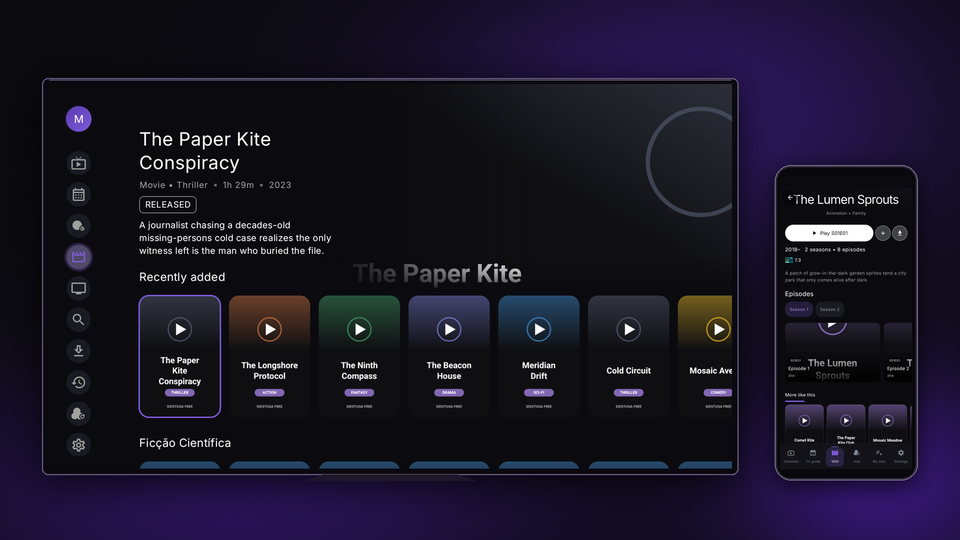
- Open "Movies" or "Series" and choose a title from your library. To search by name, use "Search".
- On the details page, review the available information. For a series, choose the season and then the episode under "Episodes".
- During playback, open "Audio" or "Subtitles" and choose one of the available tracks.
- To save a title, use the "Favorites" button on the details page. Saved titles appear in "Favorites".
- To return to something you started, check "Continue watching". Progress across devices depends on Cloud Sync and the account in use.
Related guides and pages
Need help?
Option names may vary between TV and mobile. Use the guide for your device and make sure the app is up to date.