
Before you start
Add a valid source. Programme data and catch-up depend on what your provider makes available.
Step by step
- Open "Channels" and choose the category you want to browse. To browse another source, use "Switch source".
- To find a channel by name, type it in the "Search channels" field.
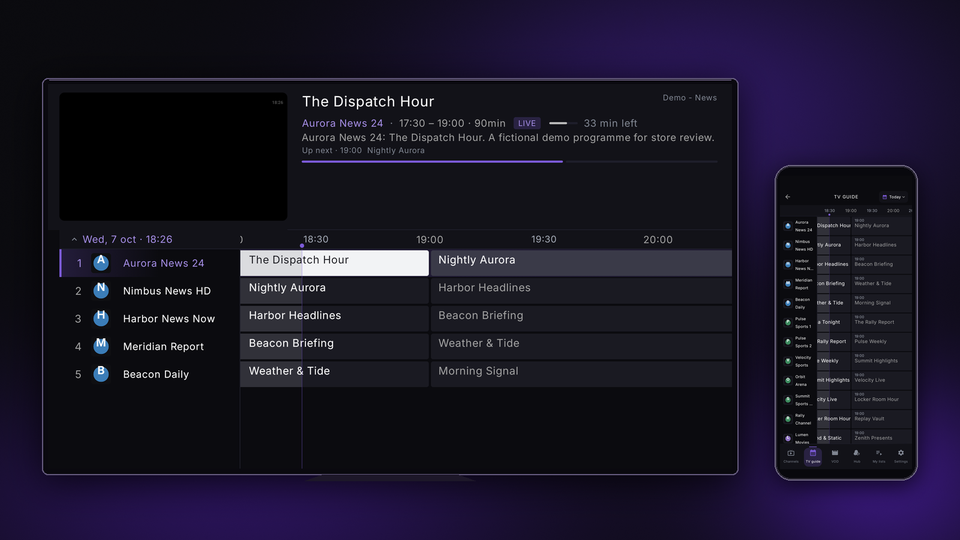
- Open "TV guide" to check the current and upcoming programmes, and choose the channel you want to play. Use "Select day" to change the day.
- To save a channel as a favourite, open the channel’s menu and choose "Add to favorites".
- In the same menu, use "Move up" and "Move down" to arrange channels, and "Hide channel" to hide the ones you do not want to see.
Related guides and pages
Need help?
Option names may vary between TV and mobile. Use the guide for your device and make sure the app is up to date.